
Video Editing School in Lagos
Learn video editing, color grading, motion graphics and sound mixing.
Build a solid post-production foundation for films, music videos, events, commercials and online content. Learn the creative and technical editing skills used by professional editors.
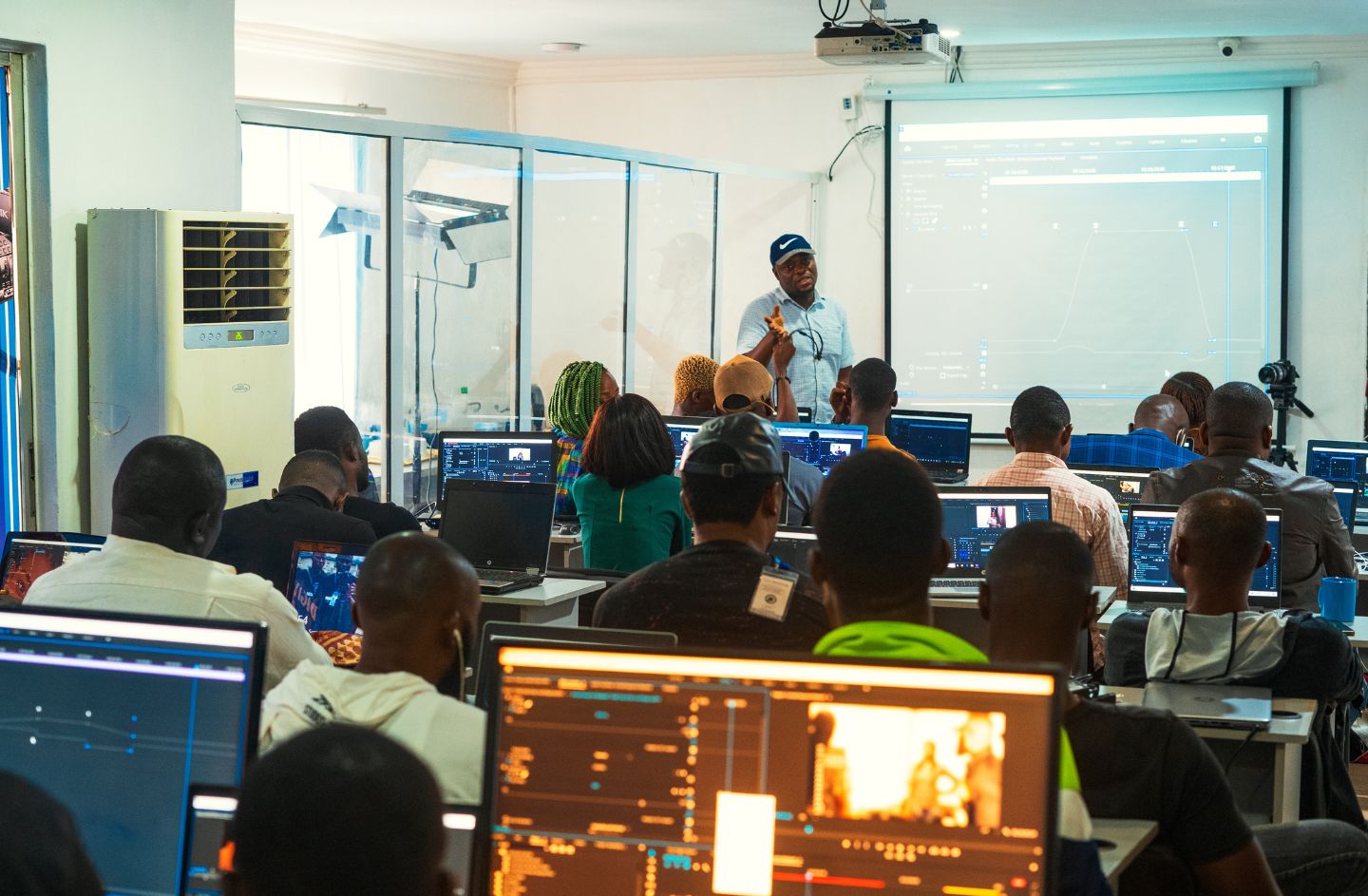
Practical post-production training
Premiere Pro, DaVinci Resolve, After Effects, Audition, color grading, motion graphics and sound mixing.
Lagos Post-Production Training
Editing is where footage becomes a story.
Video editing, at its most basic, is the art, technique and practice of assembling shots into a coherent sequence. To effectively re-imagine and even rewrite a film, an editor must work creatively with image, story, dialogue, music, pacing and the actors' performances.
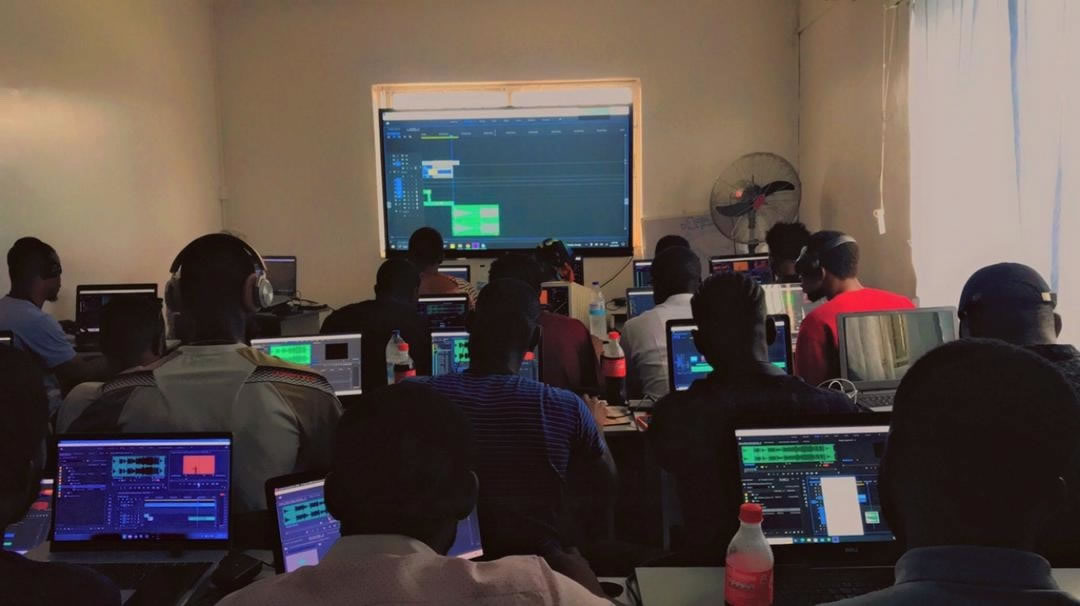
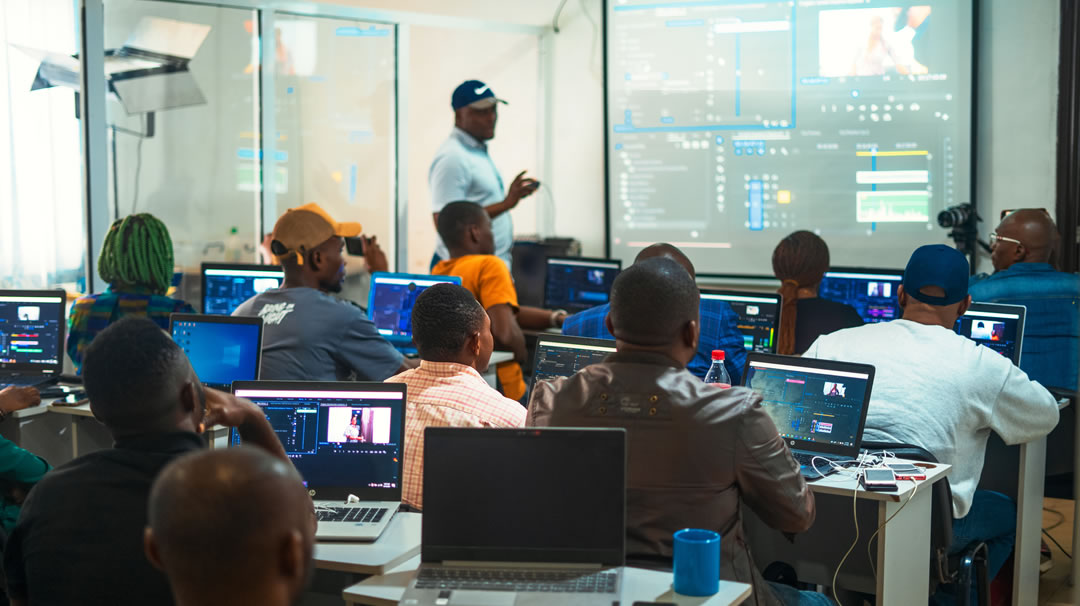
In this video editing course in Lagos, you will learn the fundamental concepts and techniques of film editing while being trained on industry tools like Adobe Premiere Pro, DaVinci Resolve and After Effects. The course provides a solid foundation for building a successful career in video editing for films, music videos, commercials, events and online media.
The main goal of this training is to produce international-standard video editors who can work as independent editors or as part of a production studio anywhere in the world.
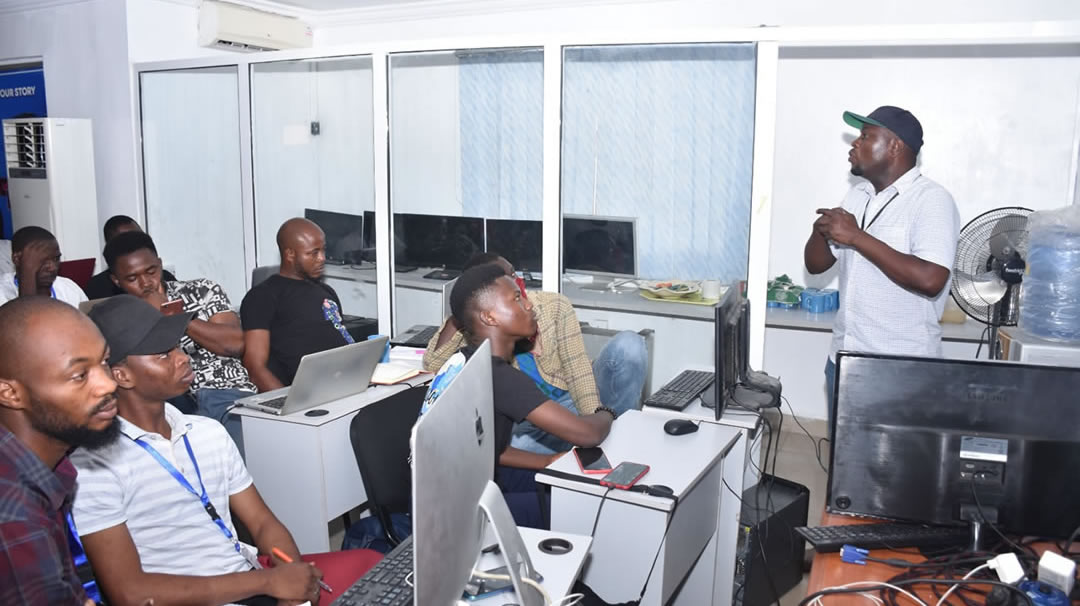
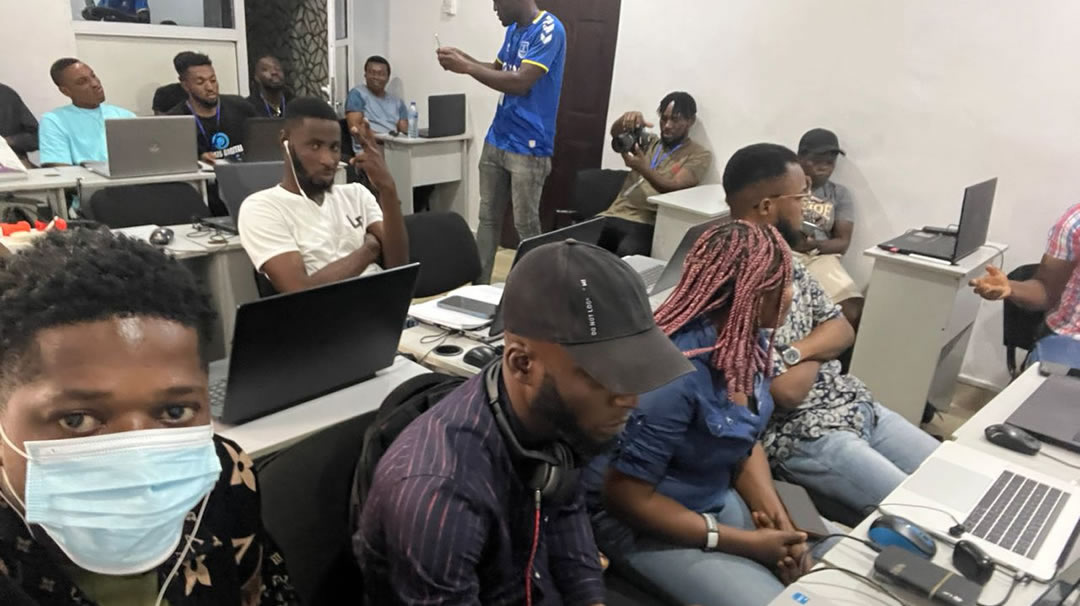
Praxis combines editing theory with practical post-production exercises so you can understand not just which button to click, but why a cut works, how pacing affects emotion, and how sound, color and motion graphics support the final story.
What You Will Learn
Post-production skills you can use on real edits.
- Edit coherent video sequences with pacing, story, dialogue, music, continuity and performance in mind.
- Use Adobe Premiere Pro for timelines, cutting, keyframing, multicam edits, masking, tracking, transitions and green screen work.
- Use DaVinci Resolve for color correction, color grading, codecs, raw workflows, white balance, exposure and the film look.
- Create motion graphics, titles, captions, VFX, chromakey, rotoscoping and video manipulation in Adobe After Effects.
- Clean, mix and master audio with Adobe Audition for film, music videos, events, commercials and social media content.
Full Course Curriculum
A detailed video editing and post-production path.
Learn editing, color grading, motion graphics, compositing, VFX, audio editing and final delivery through practical software-led modules.

Adobe Premiere Pro
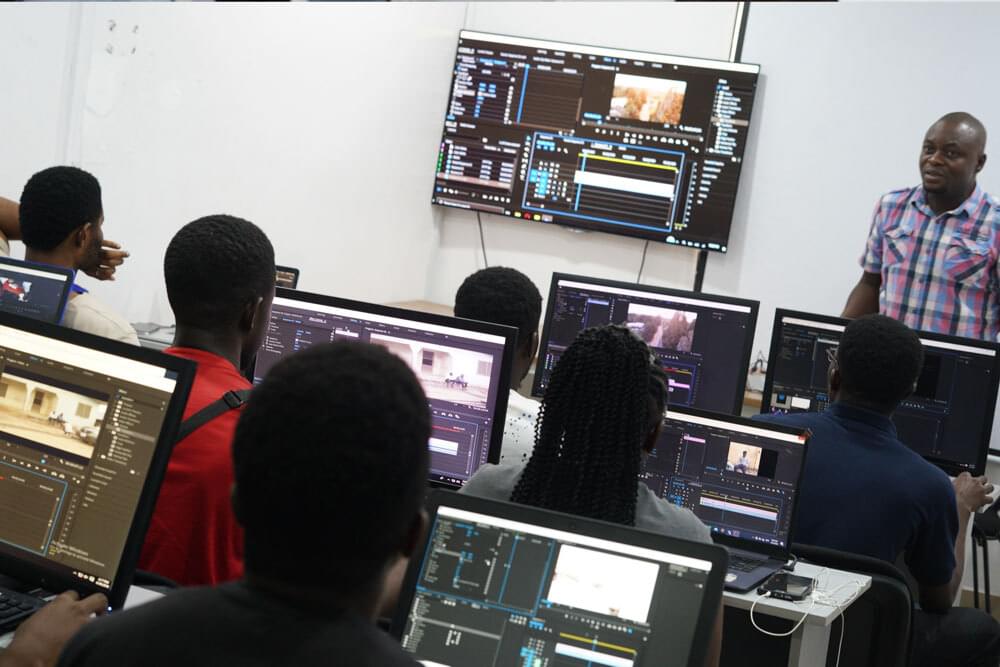
To become a competent editor, you need more than editing software and a workstation. Video editing is more than a few cuts and music. You will learn professional editing workflows, timeline structure, story pacing and practical tools used in film post-production.
Introduction to Adobe Premiere Pro
Learn how to navigate the Premiere Pro interface, timeline, menus, panels and keyboard shortcuts so your editing workflow becomes faster and cleaner.
Editing Sequence, Cutting & Keyframing
Understand sequence setup, cutting, trimming, clip timing and keyframing, and how each decision affects the final rhythm of a scene.
Multicam Sequence
Learn multicam editing for movies, interviews, talk shows, TV commercials and productions shot with more than one camera.
Masking & Motion Tracking
Use masks and motion tracking to follow objects, isolate parts of a shot and create controlled adjustments inside your footage.
Time Remapping & Transitions
Stretch, compress, reverse, freeze or speed-ramp footage and learn how to create smoother transitions between different speeds.
Chromakey & Rotoscoping
Work with green screen footage, visual composition and rotoscoping across Premiere Pro and After Effects workflows.
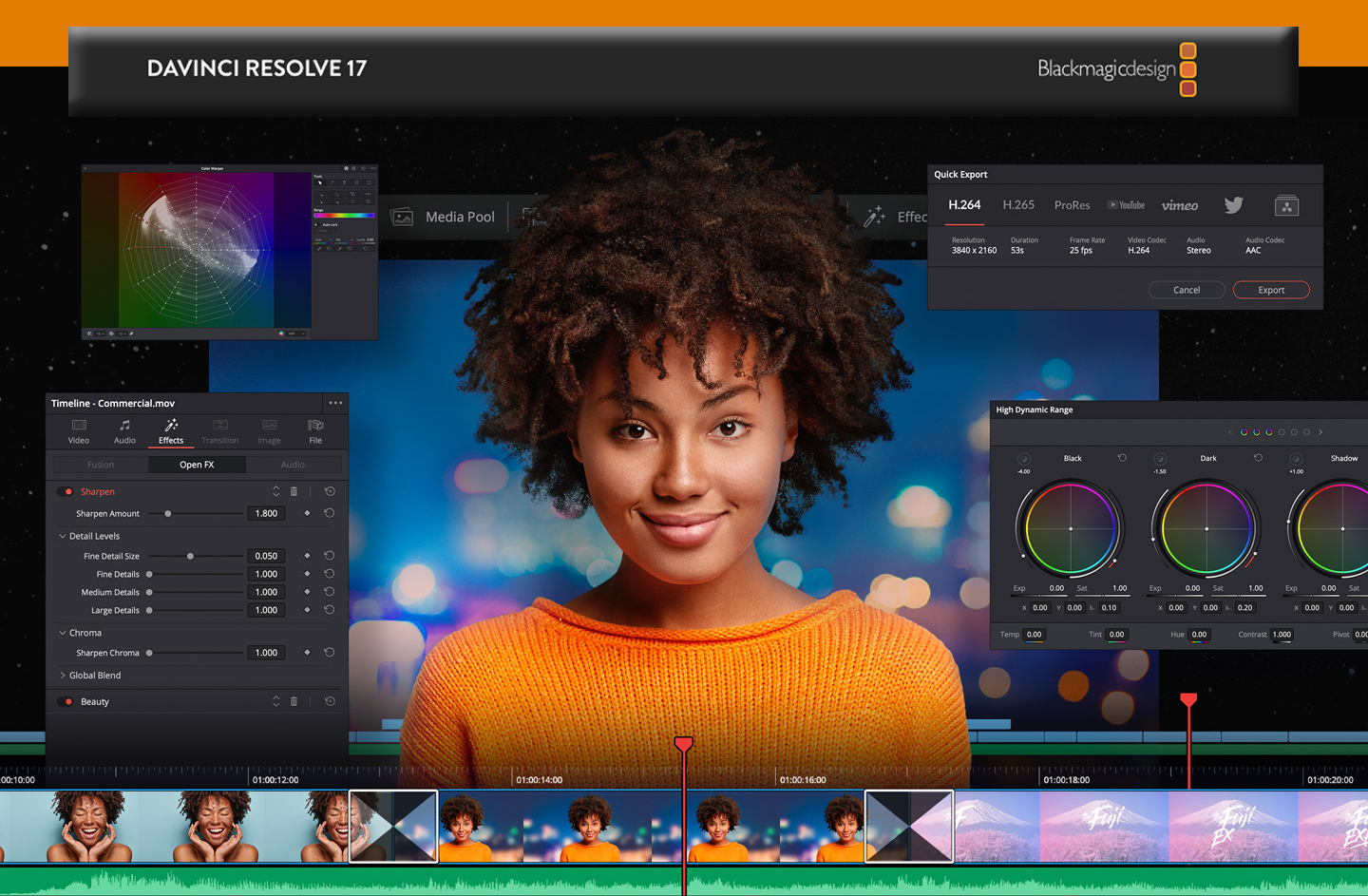
DaVinci Resolve
DaVinci Resolve combines editing, color correction, visual effects, motion graphics and audio post-production in one application. This module takes you from importing clips to color correction, grading and final delivery.
Introduction to DaVinci Resolve
Get introduced to DaVinci Resolve, its interface and the workflow that makes it powerful for beginners and professional editors.
Basics of Color Correction
Learn color palette, saturation, hue, contrast and the visual basics needed to make footage look cleaner and more balanced.
Codecs & Uncompressed Raw
Understand video codecs such as VP9, H.264, AV1 and H.265, and why raw formats support flexible non-destructive editing.
White Balance & Exposure
Set proper white balance and exposure for stronger highlights, shadows and overall image quality.
Color Correction & Color Grading
Adjust exposure, highlights, tint, white balance, blacks and saturation, then apply a finished style through color grading.
Look Up Tables
Use LUTs as starting points for different cameras and styles, then refine them so the grade serves the footage instead of overpowering it.
Getting the Film Look
Use color wheels, curves, shot matching and tonal control to build a professional film look and grade footage with confidence.
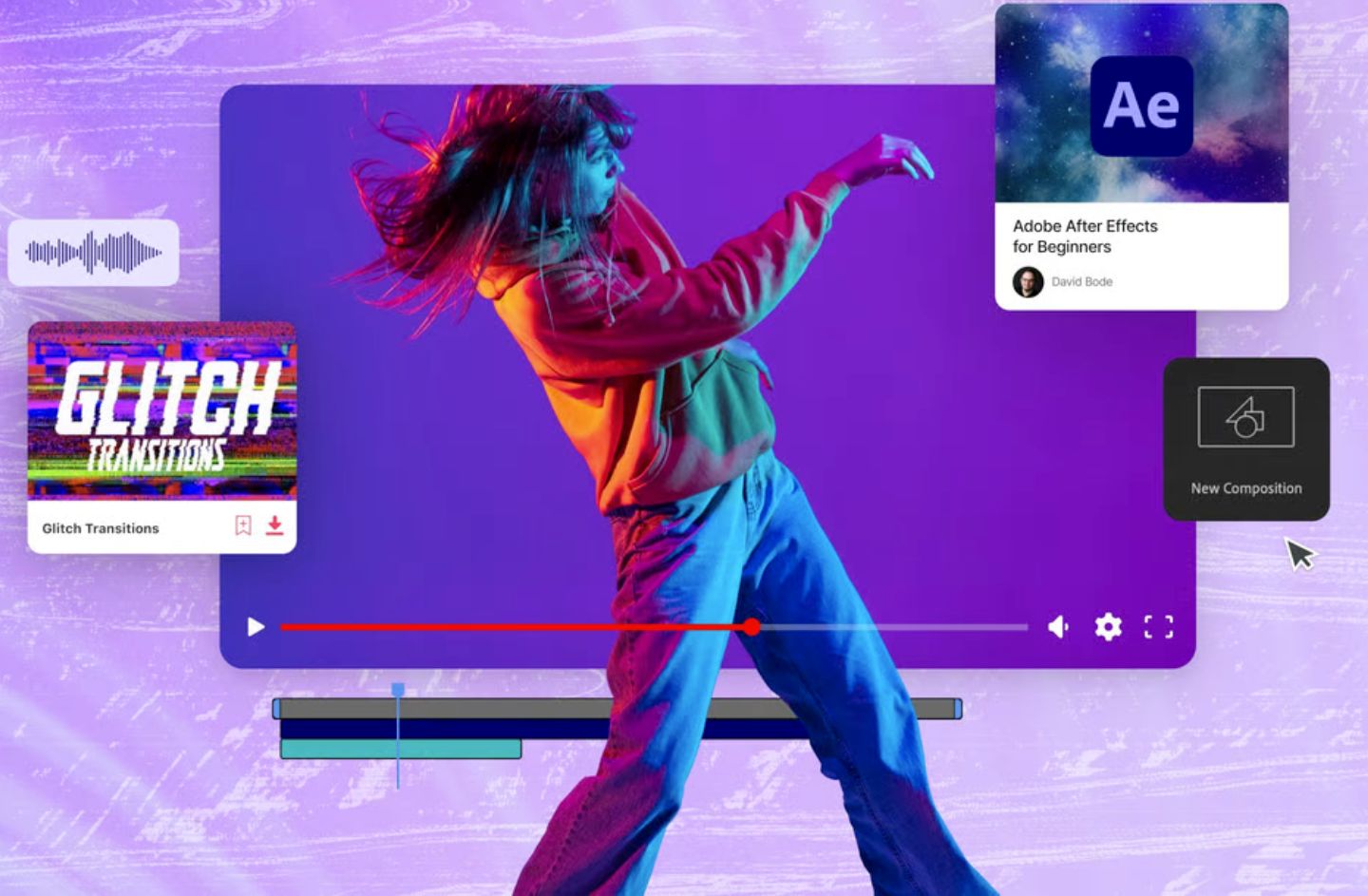
Adobe After Effects
Adobe After Effects opens the door to animation, motion graphics, video compositing and VFX. You will learn motion design principles and practical techniques for creating polished visuals and a stronger motion graphics portfolio.
Introduction to After Effects
Discover the tools, panels and techniques used for animation, motion graphics design and video compositing.
Title Animation, Captions & Motion Graphics
Create titles, captions and motion graphics that can be used in films, commercials, online videos and social media content.
Chromakey & Rotoscoping
Create masks and keys, perform motion and camera tracking, separate foreground from background and add elements to a scene.
Advanced VFX for Film
Explore VFX skills including modeling concepts, texturing, lighting, compositing and effects used in films, games and television.
Video Manipulation
Alter clip speed, add markers, blend models and manipulate footage to create more engaging visual sequences.
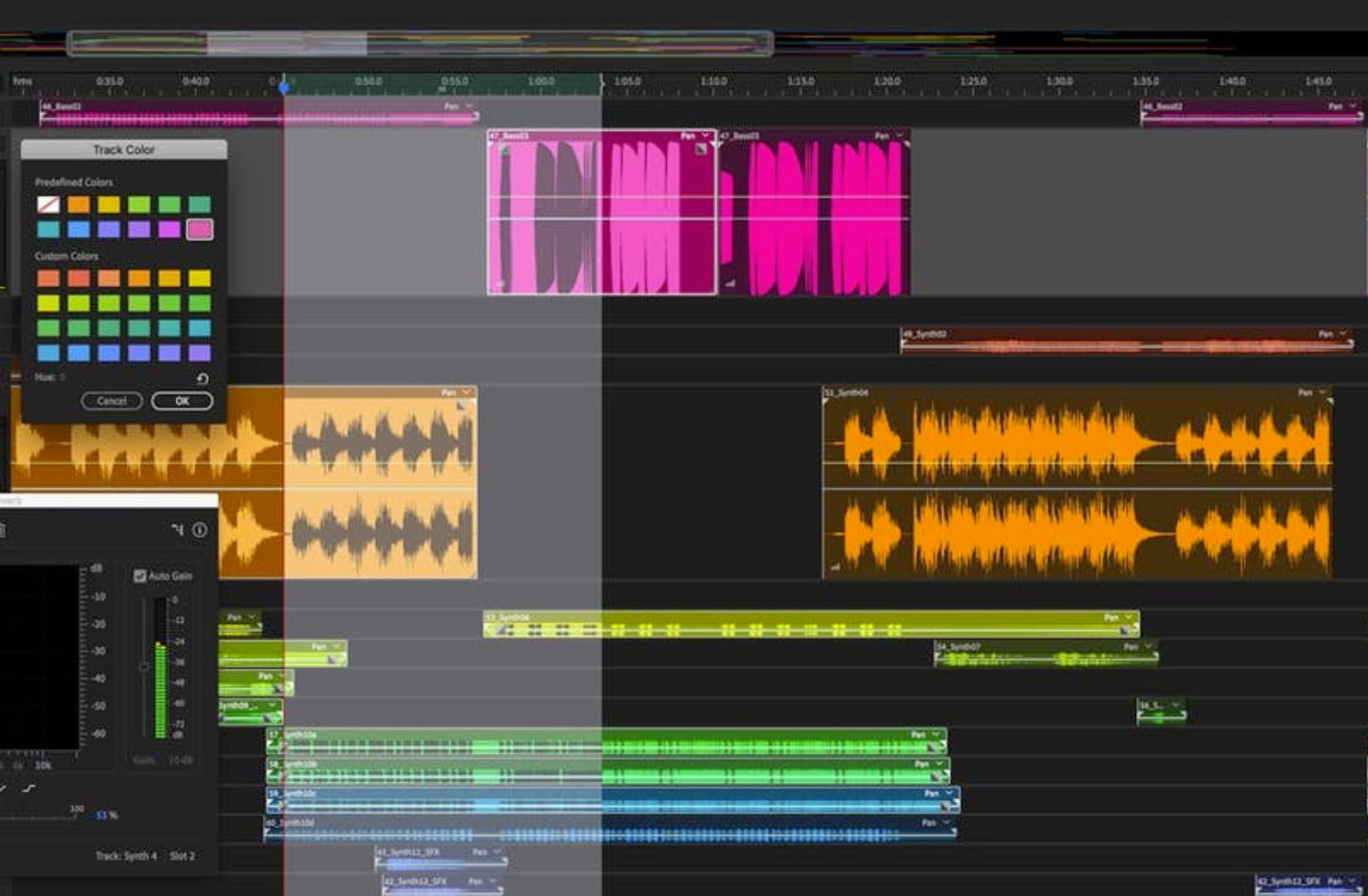
Adobe Audition
A good audio track is as important as a good visual. This module teaches Adobe Audition, audio editing, voiceover cleanup, ADR, noise reduction, compression, mixing and mastering for post-production.
Introduction to Adobe Audition
Set up Adobe Audition, understand audio interface basics, timeline workflow, mono and stereo formats, and decibel measurement.
Audio Recording
Record podcasts, voiceovers and audio projects using a professional microphone and sound card while following good recording practice.
Adobe Audition Effects
Use Filter and EQ, Amplitude and Compression, Reverb, Stereo Imaging and third-party VST or AU effects to improve sound quality.
Audio Restoration
Reduce hiss, remove artifacts, clean broadband noise and use restoration tools to filter noise without destroying the useful audio.
Mixing & Mastering
Trim, split, mix, apply EQ and compression, and master sound so your final audio is richer and more professional.
Final Projects
Edit real formats, not just classroom clips.
Together, we work through practical case studies that mirror the kind of editing jobs students are likely to meet outside the classroom.
Movie Editing
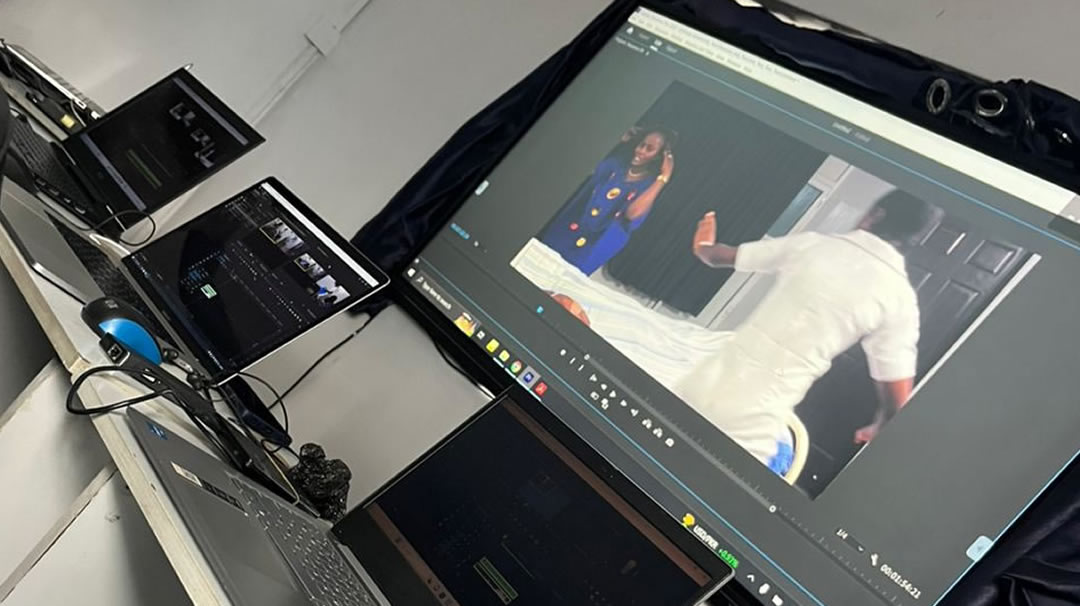
Act, shoot and edit movies with professional editing tools. Learn how to use script, storyline, pacing and plot in post-production, especially when footage comes from a full filmmaking course workflow.

Music Video Editing
Edit music videos from planning to post-production and learn how visuals can interpret lyrics, rhythm, emotion and performance.
Event Editing
Edit event footage chronologically from start to finish, preserving important moments while keeping the final cut engaging.

TV Commercial Editing
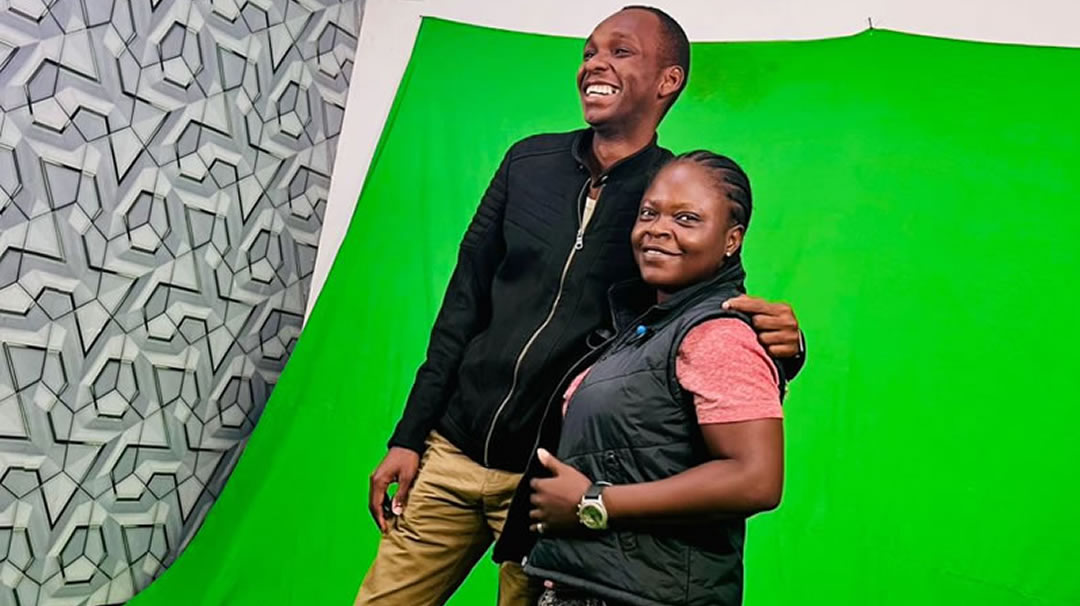
Learn how to make adverts stand out using strong editing, green screen footage, pacing, transitions and commercial storytelling.
Course Questions
Video editing training FAQs.
Useful answers for students comparing video editing schools, post-production courses and editing training in Lagos.
Is this a practical video editing school in Lagos?
Yes. Praxis Digital Academy offers practical video editing training in Lagos with hands-on lessons in Premiere Pro, DaVinci Resolve, After Effects, Audition, color grading, motion graphics and sound editing.
Can beginners join the video editing course?
Yes. The course starts with editing fundamentals, software navigation and timeline workflow, then moves into advanced post-production skills and projects. Students coming from content creation training can use it to improve their long-form and short-form edits.
Will I learn color grading?
Yes. Students learn DaVinci Resolve, color correction, white balance, exposure, LUTs, shot matching and advanced color grading for a film look.
Does the course include motion graphics and VFX?
Yes. The curriculum includes Adobe After Effects, motion graphics, title animation, captions, chromakey, rotoscoping, compositing and video manipulation.
What projects will I work on?
Students work on movie editing, music video editing, event editing and TV commercial editing so they can build stronger portfolio samples.
Don't take our word for it?
Hear from our happy tribe
Watch students, alumni and industry voices talk about learning, creating and growing with Praxis Digital Academy.
Charles Inojie recommends Praxis Digital Academy
Industry Recommendation
Tony Umez recommends Praxis Studios
Industry Recommendation
My Cinematography Experience in Praxis Digital Academy
Student Experience
On Production Set - Students Review
On-set Training
My Experience at Praxis Studios
Student Review
Student review and experience at Praxis
Student Review
Next Session Begins Soon
Request Curriculum
Request the current video editing course schedule and price.
Get the latest start date, class format and payment details for the Video Editing Course in Lagos.